Base64 Encode & Decode

Convert text to Base64 and back in a second. Full UTF-8 and emoji support, a URL-safe variant for tokens, and MIME line wrapping. Everything runs in your browser. No sign-up. No limits.

100% Free
Unlimited Use
No Sign-up
Live Convert
Private & Offline

Encode or Decode Base64

Pick a mode, paste your text, and the result appears live. Full UTF-8 and emoji support.

0 in 0 out

Convert in 3 Steps

1

Pick a Mode

Choose Encode to turn text into Base64, or Decode to turn Base64 back into text. The tool remembers your choice as you work.

2

Paste Your Text

Drop your text or Base64 string into the input box. The result appears live in the output, with a length count for both sides.

3

Copy or Swap

Copy the result, download it, or hit swap and flip to round-trip the output straight back through the other mode.

What Base64 Is

Base64 is a binary-to-text encoding, set out in RFC 4648, that represents any data using just 64 safe characters. It takes your bytes three at a time, splits those 24 bits into four groups of six, and maps each group to one character from A to Z, a to z, the digits, and a plus and slash. When the data does not divide evenly by three the result is padded with one or two equals signs. That is why the word Hello comes out as SGVsbG8, a little longer than the original.

The one thing to be clear about is that Base64 is encoding, not encryption. It hides nothing, anyone can decode it instantly with no key, so it is for moving data safely through text-only systems rather than protecting it. Because it works on bytes, this tool encodes your text as UTF-8 first, which means accents, non-Latin scripts and emoji all survive the round trip. There is also a URL-safe variant that swaps the plus and slash for a hyphen and underscore and drops the padding, so the result drops cleanly into a URL, a filename or a token.

You meet Base64 all over the web, in data URIs that embed an image inside CSS, in email attachments through MIME, in JSON and HTTP headers, and inside every JSON Web Token. Everything here runs in your browser, so tokens and payloads never leave the page. Convert your text, then format a payload with the HTML and CSS beautifier, or explore all the free SEO tools.

Standard vs URL-Safe

Same bytes, two alphabets. Pick the one the receiving system expects.

Standard

Uses plus and slash and pads with equals signs. This is the default for email, data URIs and most APIs. Leave URL-safe off for these.

URL-safe

Swaps plus for a hyphen and slash for an underscore and usually drops the padding, so it is safe in URLs and filenames. This is what JWT and OAuth use.

MIME wrap

Email wraps Base64 at 76 characters per line. Turn on wrap when a mail or MIME system expects those line breaks in the encoded block.

Use Base64 Right

Never use it to hide secrets

Base64 is not security. A password or key in Base64 is one click from plain text. Encode for transport, and protect real secrets with proper encryption.

Watch data URI size

Base64 adds about a third to the size, so embedding a big image as a data URI can bloat your CSS. Inline only small icons and keep large images as real files.

Match the alphabet

A URL or token needs URL-safe, while email and most APIs want standard. Using the wrong alphabet is the most common reason a decode fails, so match the target.

Built From Real Client Work

This free Base64 tool encodes and decodes the moment you type, with full UTF-8 and emoji support, a URL-safe variant and MIME line wrapping. There is no sign-up, no upload and no limit on how much text you can convert.

Base64 shows up in real work more than people expect. Over 17+ years across 500+ projects I have inlined a small logo as a data URI to save a request, read the payload of a JSON Web Token to debug a login, and decoded a config value someone had Base64ed by habit. A quick, private converter that handles unicode correctly saves a lot of guessing.

It runs entirely in your browser, so tokens and payloads never leave the page. Convert your text here, then tidy a snippet with the HTML and CSS beautifier, or explore all the free SEO tools.


Chirag Arora, digital marketing expert and creator of this free Base64 tool
Chirag Arora
Digital marketing expert · 17+ years · Connect on LinkedIn
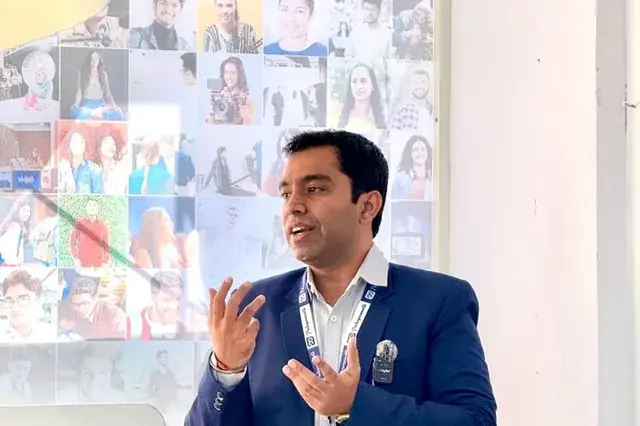
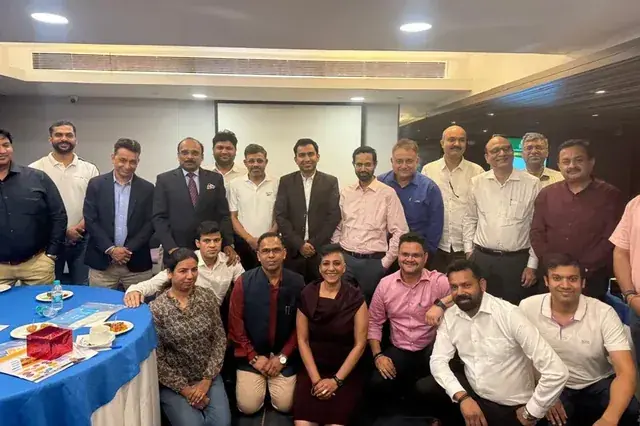
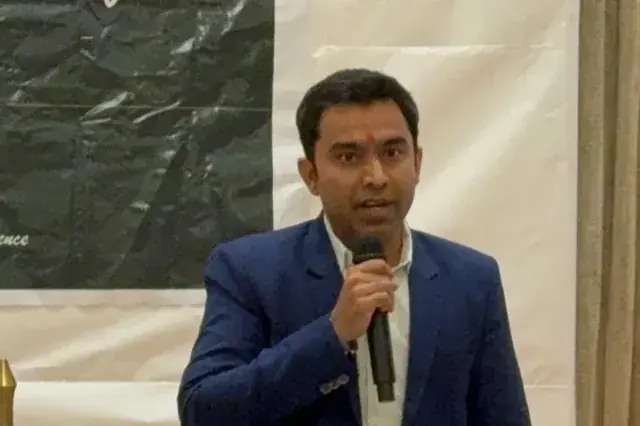
Chirag Arora presenting content and SEO strategy at an industry event

Frequently Asked Questions

What is Base64?

Base64 is a way of writing binary data using 64 plain text characters, the letters A to Z in both cases, the digits and a couple of symbols. It is defined in RFC 4648 and turns raw bytes into text that survives systems built for text, like email, JSON and URLs. Encoding grows the data by about a third, so Hello becomes SGVsbG8.

Is Base64 the same as encryption?

No, and this matters. Base64 is an encoding, not encryption, so it hides nothing. Anyone can decode it in a second with no key, which is exactly what this tool does. Use it to move data safely through text systems, never to protect a password or a secret.

Is my data private and safe to paste here?

Yes. The whole conversion runs in your browser and nothing is uploaded to a server. That keeps tokens, payloads or any private text on your own machine, and it keeps working even with no internet once the page has loaded.

What is URL-safe Base64?

It is a variant, also from RFC 4648, that swaps the plus for a hyphen and the slash for an underscore, and usually drops the padding. That makes the result safe to drop into a URL or a filename without escaping. It is what JSON Web Tokens and OAuth use, and you can switch it on with one toggle here.

Does it handle emoji and other languages?

Yes. The tool encodes your text as UTF-8 first, so accents, non-Latin scripts and emoji all round-trip correctly. Encode a string and decode it back and you get exactly what you started with.

What is Base64 actually used for?

Common jobs are embedding an image or font straight into HTML or CSS as a data URI, attaching files in email through MIME, carrying binary inside JSON or HTTP headers, and reading the parts of a JSON Web Token. Anywhere binary data has to travel as text, Base64 is usually involved.

Why Hire Me to Sharpen Your Content

This free tool formats your text. If you would rather have your content written or rewritten to read clearly and rank, here are a few honest reasons businesses hire me as their SEO and content consultant in India.

Clear Writing That Still Ranks

The right length and the right keywords are not opposites. I write content that covers a topic fully and targets the right terms, so it is easy for people to read and easy for Google and AI to understand.

Hands-On, Not Just Oversight

I started as a technical SEO trainee, not in a management seat, and I still write and edit the content myself. You get direct expertise, not a brief handed off to a junior writer.

I Built This Checker Myself

The Base64 tool you just used, I built it, along with the other free SEO tools on this site. It is a direct look at how I think about clear content before you ever become a client.

Human Content in an AI World

AI drafts read stiff and generic. I edit content so it reads naturally at the right level, the kind of clear, human writing that keeps readers engaged and gets quoted in AI answers.

Direct Line to Me

Messages get a reply within 24 hours on business days, and WhatsApp is the fastest way to reach me for anything urgent. You are not waiting in a support queue.

Content Plus the Full Picture

Content length is one piece. Keyword research, on-page SEO and technical health all sit with one person who understands how they connect, so clear writing also becomes ranking writing.

Results From Clearer Content

★★★★★
"Chirag rewrote our blog to read at a grade 8 level without dumbing it down. Time on page went up, bounce rate dropped and rankings followed. He makes complex topics simple."

Founder

SaaS Startup, India
★★★★★
"Our content was dense and technical and nobody finished reading it. Chirag simplified everything and our engagement metrics transformed. His 17+ years of experience really shows."

Marketing Head

EdTech Company, India
★★★★★
"We used Chirag's free tools, then had him edit our whole site. Clear, engaging copy that actually converts. Practical, no fluff, real value."

Owner

D2C E-commerce Brand

Chirag Arora In The News

Featured on leading media platforms. Watch interviews, expert commentary and digital marketing insights covered by top news channels and podcasts.

Speaking, Training & Building Across India

Want Content That Ranks and Converts?

I'll audit your existing content, improve on-page SEO and create a content strategy that drives sustainable organic traffic.