Pick a mode, paste your text or URL, and see the percent-encoded result live. Full UTF-8 support.
Choose Encode to turn text into percent-encoding, or Decode to read an encoded string back as plain text.
Use component for a single query value, or full URL to keep a complete address working. Toggle plus for spaces if you are dealing with a form.
Copy the result, download it, or hit swap and flip to round-trip the output straight back through the other mode.
A URL can only hold a small set of characters, the letters, digits and a few marks like hyphen, underscore, dot and tilde. Everything else, a space, an ampersand, an accent or an emoji, has to be percent-encoded so the link survives the trip from browser to server. URL encoding, set out in RFC 3986, does exactly that. It replaces each unsafe byte with a percent sign and two hex digits, so a space becomes %20 and an ampersand becomes %26, and this tool reverses the same process on decode.
The one thing that trips people up is which scope to use. Component mode, the same as encodeURIComponent, encodes everything with structural meaning, so the ampersand, equals, question mark and slash all get escaped. That is what you want for a single query value, so a user input cannot inject a fake parameter. Full URL mode, the same as encodeURI, leaves those separators alone so a complete address keeps working. Reach for component on values and full URL on whole links, and pick plus for spaces only when a form-style query string expects it.
Because it works on bytes, this tool encodes as UTF-8, so accents, non-Latin scripts and emoji all round-trip cleanly, and it warns you if an input already looks encoded so you avoid the classic double-encoding bug. Everything runs in your browser, so private URLs and tokens never leave the page. Convert your link here, then build a clean slug with the URL slug generator, add tracking with the UTM builder, or explore all the free SEO tools.
The two modes map to the two jobs. Choosing wrong breaks links in different ways.
Encodes the and, equals, question mark and slash too. Use it for a single query value or path segment so it cannot break the query around it.
Keeps the separators that make a URL work and only encodes spaces and non-ASCII. Use it on a complete, already-built address you just need to clean up.
HTML forms write a space as a plus rather than %20. Turn this on when you build or read a form-style query string, and off for a normal URL.
Only the value you drop into a query string needs component encoding. Running it on the whole URL escapes the slashes and question mark and stops the link from working.
If a link shows %2520 where a space should be, it was encoded twice. Decode it once to get back to %20, and fix the code so it only encodes a single time.
A literal plus in a value must become %2B or a form reads it as a space. This is why a version like C++ gets mangled in a badly built query string.
This free URL encoder and decoder converts the moment you type, with full UTF-8 support, a component or full-URL scope and a form-style plus option. There is no sign-up, no upload and no limit on how much text you can convert.
Broken links from bad encoding are a quiet, common problem. Over 17+ years across 500+ projects I have chased a tracking link that died because an ampersand in a value was left raw, untangled a redirect that had been double-encoded into %2520, and rebuilt query strings so a campaign URL finally fired correctly. A quick, private encoder that shows the result live saves a lot of that guesswork.
It runs entirely in your browser, so private URLs and tokens never leave the page. Convert your link here, then build a clean slug with the URL slug generator, or explore all the free SEO tools.

URL encoding, also called percent-encoding, rewrites characters that are not allowed in a web address into a percent sign followed by two hex digits. A space becomes %20 and an ampersand becomes %26, so the value survives the trip to the server without breaking the URL. It is defined in RFC 3986 and is what keeps a link working when it holds spaces, symbols or other languages.
Yes. The conversion runs entirely in your browser and nothing is uploaded to a server. That keeps URLs, tokens or query values on your own machine, and it keeps working even with no internet once the page has loaded.
Component mode encodes everything with special meaning, the and, equals, question mark and slash included, which is right for a single query value or path segment. Full URL mode leaves those separators alone so a complete, already-built URL still works. Using full URL mode on a raw value is the classic mistake, because the and and equals survive and break the query.
RFC 3986 says a space is %20. The plus comes from HTML form submissions, where a space is written as a plus instead. Switch on use plus for spaces when you are building or reading a form-style query string, and leave it off for a normal URL.
Yes. The tool encodes as UTF-8, so a character like e with an accent turns into a two-part percent code, and Chinese, Arabic and emoji all convert correctly. Decode the result and you get back exactly what you started with.
Double-encoding happens when an already-encoded string is encoded again, so %20 turns into %2520 and the link quietly breaks. If you see %25 in front of your codes, decode the value twice to recover the original, then fix the code so it only encodes once.
This free tool formats your text. If you would rather have your content written or rewritten to read clearly and rank, here are a few honest reasons businesses hire me as their SEO and content consultant in India.
The right length and the right keywords are not opposites. I write content that covers a topic fully and targets the right terms, so it is easy for people to read and easy for Google and AI to understand.
I started as a technical SEO trainee, not in a management seat, and I still write and edit the content myself. You get direct expertise, not a brief handed off to a junior writer.
The URL encoder you just used, I built it, along with the other free SEO tools on this site. It is a direct look at how I think about clear content before you ever become a client.
AI drafts read stiff and generic. I edit content so it reads naturally at the right level, the kind of clear, human writing that keeps readers engaged and gets quoted in AI answers.
Messages get a reply within 24 hours on business days, and WhatsApp is the fastest way to reach me for anything urgent. You are not waiting in a support queue.
Content length is one piece. Keyword research, on-page SEO and technical health all sit with one person who understands how they connect, so clear writing also becomes ranking writing.
"Chirag rewrote our blog to read at a grade 8 level without dumbing it down. Time on page went up, bounce rate dropped and rankings followed. He makes complex topics simple."
"Our content was dense and technical and nobody finished reading it. Chirag simplified everything and our engagement metrics transformed. His 17+ years of experience really shows."
"We used Chirag's free tools, then had him edit our whole site. Clear, engaging copy that actually converts. Practical, no fluff, real value."
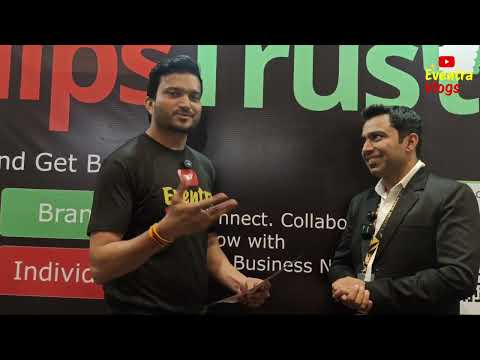
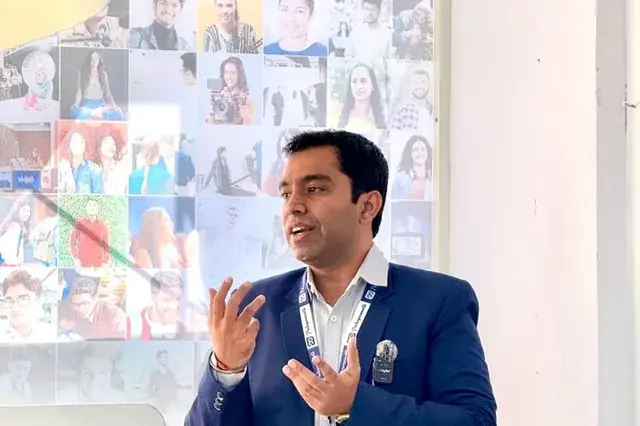
Featured on leading media platforms. Watch interviews, expert commentary and digital marketing insights covered by top news channels and podcasts.
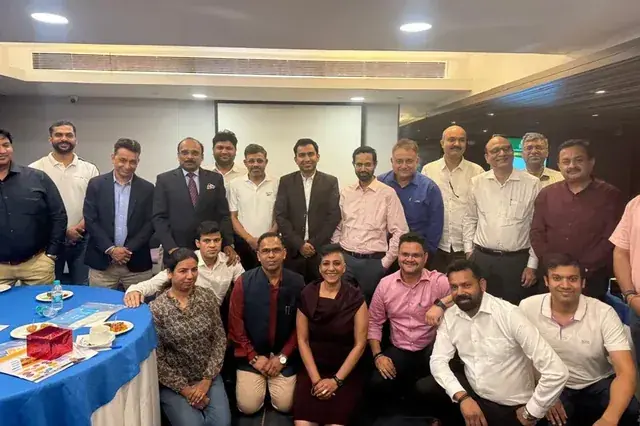
CMD Club Meet 2025 at Club Capri, Gurgaon : A Brief of ClipsTrust
YouTube · Business Meet
How to Build Customer 🔥Trust 🔥 - Biggest Challenges Today
Eventra vlogs
Digital Marketing Beginner to Advanced Journey | Podcast b/w Chirag Arora & Pankaj
YouTube · Podcast Episode