Fill in the form below. All three tag groups, General SEO, Open Graph and Twitter Card, are generated together in one clean, copy-ready block.
Recommended: 1200 × 630 px JPG or PNG
Recommended: 1200 × 628 px for large image card
Fill in the form and click
Generate Meta Tags
Enter your page title, meta description, target keywords and author. Real-time character counters guide you to the ideal length for every field.
Add OG title, description and image URL so your pages look stunning when shared on Facebook, LinkedIn and other platforms.
Set Twitter card type, title, description and image so links appear as rich cards when shared on X (Twitter).
Hit Generate, preview your result in the live SERP simulator, then copy all tags and paste them inside your page's <head>.
Meta tags are lines of HTML in your page head that describe the page to search engines and social networks. Visitors never see them on the page. They see the result, your title in Google and your preview card on LinkedIn. A meta tag generator writes the HTML so the syntax is right.
Only a handful matter. Title is the biggest on-page lever you have. Description does not affect ranking but affects whether anyone clicks. Open Graph and Twitter Card control the preview when your link gets shared, and if you skip them the network guesses, usually badly.
One tag does nothing at all: meta keywords. Google has ignored it since 2009. This tool still outputs it because some internal search systems read it, but no search engine you care about does.
Written by Chirag Arora, digital marketing consultant with 17+ years of hands-on SEO experience across 500+ projects. He designed this tool and the other 22 free tools on this site. Verify on LinkedIn.
| Tag | Does it affect ranking? | Does it affect clicks? | Worth your time? |
|---|---|---|---|
| title | Yes, directly | Yes, heavily | Yes. The single most valuable tag on the page |
| description | No | Yes | Yes, though Google rewrites it more often than not |
| og:image | No | Yes, when shared | Yes. A missing one turns a shared link into a grey box |
| canonical | Yes, indirectly | No | Yes, if the same content sits on several URLs |
| robots | Yes. It can remove the page | No | Only when you mean it. noindex is how you keep a page out of search |
| keywords | No. Ignored since 2009 | No | No. It is here for completeness, not because it works |
The description row is the one worth internalising. Google frequently replaces your description with text pulled from the page, because it is answering the query rather than reading your marketing. That is not a reason to skip it. It is a reason to write it for the searches you actually want, and to make sure the page itself contains a sentence worth lifting. Google's own documentation on snippets explains when it keeps yours and when it does not.
Two tags do quiet technical work and belong on every page. The charset tag, written as meta charset UTF-8, tells the browser how to read your characters so accents and symbols do not turn into garbled text. The viewport tag tells phones to fit the page to the screen rather than shrinking a desktop layout, which is the difference between a readable mobile page and a pinch-to-zoom one. Neither shows in search results, but a page missing them looks broken to the exact devices most of your visitors use.
Put your primary keyword near the front of the title. Keep it 50 to 60 characters. Include your brand at the end with a dash or pipe, it builds trust in the SERP.
The meta description doesn't affect ranking, but it dramatically affects click-through rate. Write it as ad copy. Use action words, include the keyword and end with a CTA.
A well-designed 1200×630 OG image can double click-through rates on social media. Use bold text, your brand colours and a clear value proposition, always set it, never leave it blank.
This tool generates three groups of tags in one click: General SEO tags (title, description, keywords, robots, canonical, viewport, theme-colour), Open Graph tags for rich previews on Facebook and LinkedIn, and Twitter Card tags for X (Twitter). All tags are properly escaped and formatted ready to paste inside your HTML <head>. The live SERP preview respects Google's real truncation lengths.
This free meta tag generator online builds the HTML for any website. It works as a meta tag generator from URL, or from scratch. Paste a URL and it imports the tags that page already has, so you are editing something real rather than starting from a blank box. Change what needs changing, and it writes clean title, description, Open Graph, Twitter Card and canonical tags ready to paste into your head. It works for any website, whether that is WordPress, Blogger, Shopify or hand-built HTML.
The uncomfortable truth about meta descriptions, after 500+ projects: Google rewrites them most of the time. It pulls a sentence from your page that matches the query instead. People hear that and stop writing descriptions, which is exactly the wrong lesson. Google rewrites yours when the page contains something better. So the real job is not writing a clever description, it is making sure the page has a sentence worth lifting. Write the description for the click, then earn the right to keep it.
Open Graph is the one nobody checks and everybody notices. A link shared in a WhatsApp group or a Slack channel with no og:image is a grey rectangle, and it will be shared exactly once. See how your tags look in search with the free SERP snippet preview, check the social card with the free Open Graph preview, and browse the rest of the free SEO tools.
A few precise facts save arguments. The title tag is the only meta element Google treats as a direct ranking factor, and it is cut off by rendered width near 580 pixels, not a flat character count, which is why a title in wide capital letters truncates sooner than one in lower case. The meta description never ranks a page, it only shapes the snippet, and Google rewrites it for roughly a third of results anyway, so write it for the click and accept it may not appear verbatim. The viewport tag is not optional either, it is what makes mobile-first indexing render your page correctly. Get those right, add clean Open Graph and Twitter values for sharing, and leave the dead tags like meta keywords out entirely.

Discover thousands of keyword ideas with volume, difficulty, CPC and intent data, powered by Google Autocomplete.
Launch ToolCrawl your site and generate a Google-ready XML sitemap instantly.
Launch ToolValidate structured data and fix issues to unlock Google rich results.
Launch ToolCommon questions about this free tool, answered clearly.
Keep title tags to about 50 to 60 characters and meta descriptions to about 130 to 150 characters. Longer than that and Google cuts them off in the results. Put your main keyword near the front.
A meta description is not a direct ranking factor, but it heavily affects your click-through rate. A clear, specific description with a reason to click wins more visits from the same position.
They control how your link looks when shared on Facebook, LinkedIn and X, the title, description and preview image. Set them so your shares look intentional instead of pulling random text and images.
Yes. This works as a meta tag generator from URL: paste any address into the import box and it reads the meta tags that page already has, then fills the fields so you can edit them. That is usually where you actually start, because a page almost always has something already and you want to improve it rather than replace it blind. It also works on pages you do not own, which is a quick way to see how a competitor writes their titles.
Not really, no. Google announced it ignores the meta keywords tag in 2009 and has not changed position since. Bing treats it as a spam signal if anything. This tool still outputs the tag because a few internal site search systems read it, and because leaving it out prompts more questions than including it. If you are looking for a meta keyword generator specifically, the useful answer is that you do not need one. Spend that time on your title instead.
Yes. The output is plain HTML meta tags, which are the same on every platform. Paste them into your theme head, or into whatever SEO plugin box your platform gives you. WordPress users with Yoast or Rank Math already have fields for title and description, so use this to draft and check them rather than to replace the plugin. On Blogger, paste into the custom head section in theme settings.
This free tool writes the tags. If you would rather have someone work out what they should say, here are a few honest reasons businesses hire me as their SEO and digital marketing consultant in India.
A title stuffed with keywords ranks and gets ignored. A title that answers the searcher gets the click. I write for the second, which is the only one that turns into money.
I started as a technical SEO trainee, not in a management seat, and I still write the titles myself. You get direct expertise, not a template filled in by someone junior.
The meta tag generator you just used, I designed it, along with 22 other free SEO tools on this site. It is a direct look at how I handle on-page work before you ever become a client.
Google rewrites most descriptions because the page has something better. I fix the page, so the description you wrote is the one that survives.
Messages get a reply within 24 hours on business days, and WhatsApp is the fastest way to reach me for anything urgent. You are not waiting in a support queue.
Half the sites I audit have no og:image, so every link shared in a WhatsApp group looks like a grey box. It takes ten minutes to fix and nobody had looked.
"Chirag rewrote 40 page titles and nothing else. Clicks went up by a third in six weeks on the same rankings. We had been writing them for robots, not people."
"Every link we shared on LinkedIn showed a blank grey box. No og:image on any page. He fixed it in an afternoon and our share engagement doubled. His 17+ years really shows."
"As a small business, we started with Chirag's free meta tag tool, then hired him. Ranked Page 1 for our main terms within 3 months. Practical, no fluff, real value."
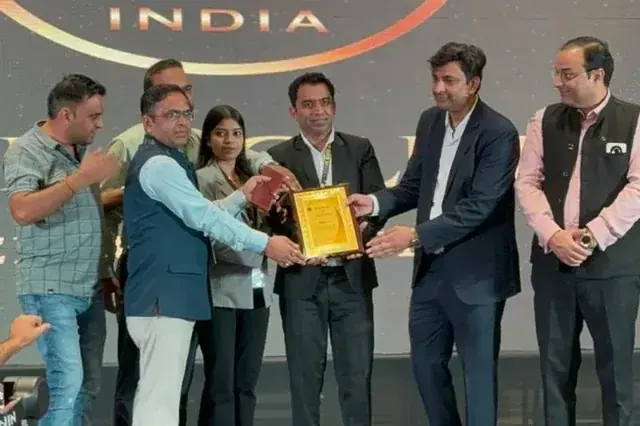
Featured on leading media platforms. Watch interviews, expert commentary and digital marketing insights covered by top news channels and podcasts.
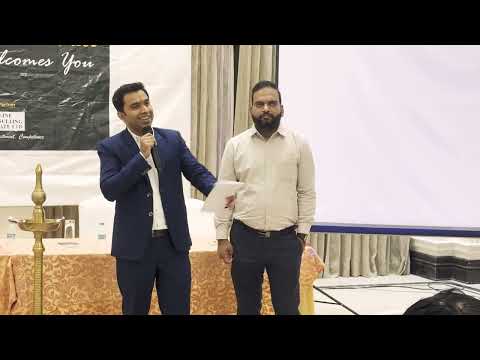
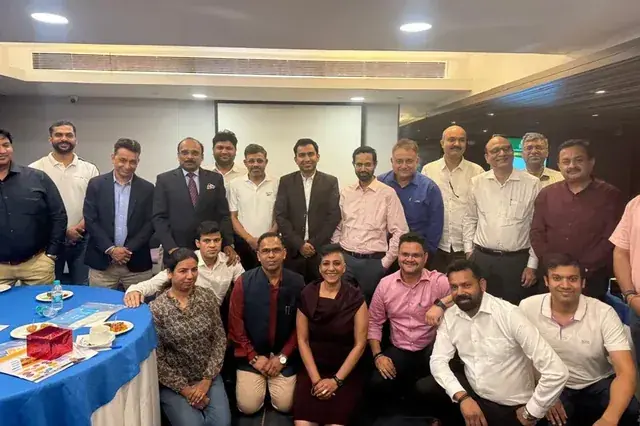
CMD Club Meet 2025 at Club Capri, Gurgaon : A Brief of ClipsTrust
YouTube · Business Meet
How to Build Customer 🔥Trust 🔥 - Biggest Challenges Today
Eventra vlogs
Digital Marketing Beginner to Advanced Journey | Podcast b/w Chirag Arora & Pankaj
YouTube · Podcast Episode